cse15l-labreports
THIS IS LAB REPORT 3 - WEEK 6
PART 1: Streamlining ssh Configuration
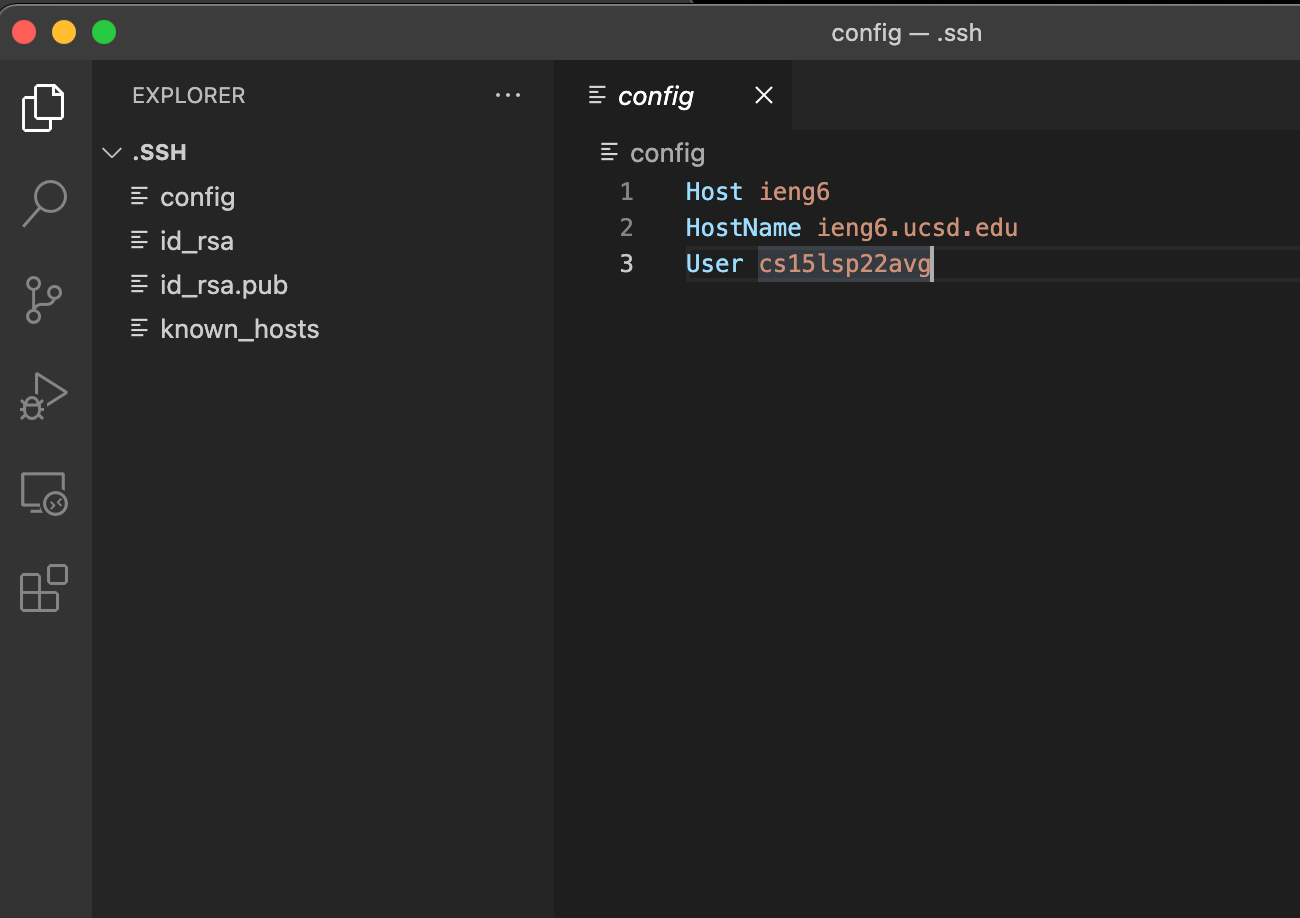
The following image shows my config file:
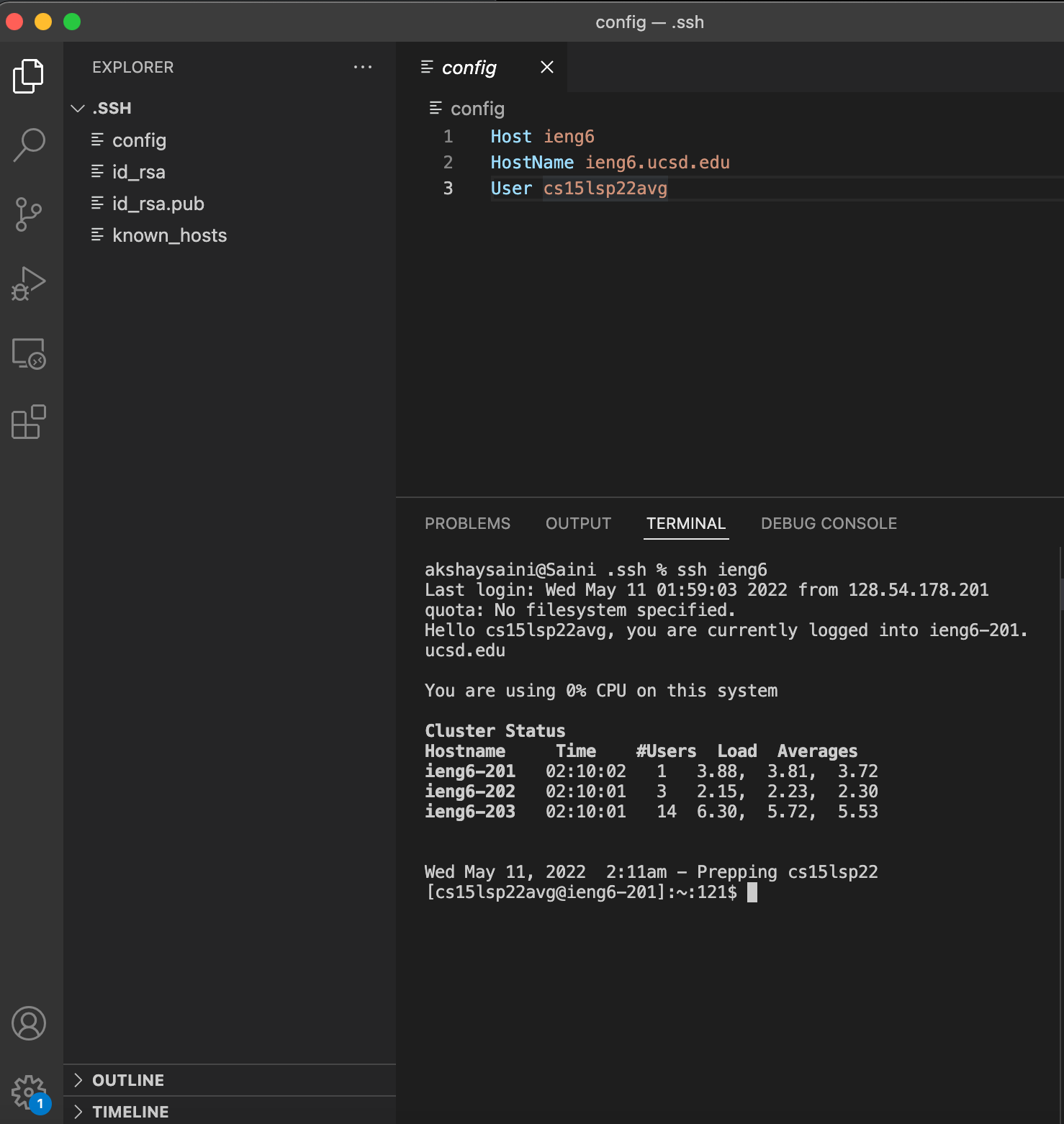
After completing config, it makes it easier to log in to the remote computer

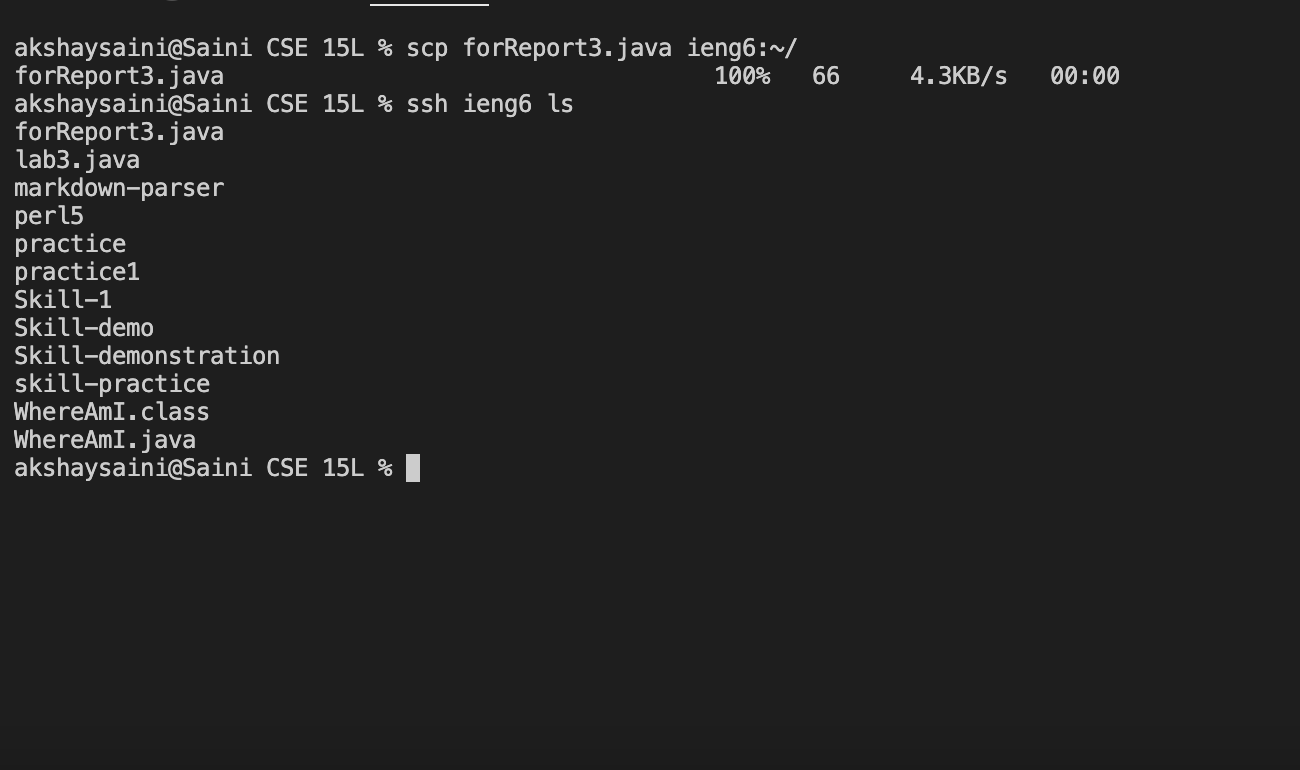
It also makes the process of copying a file easier, in the following image I am copying the file forReport3.java:
PART 2: Setup Github Access from ieng6
This is my public key on github:

The following screenshot is of the ssh file opened on VScode which shows my private (id_rsa) and public (id_rsa.pub) key:
The image below depicts the result of using git commands while logged in ssh:
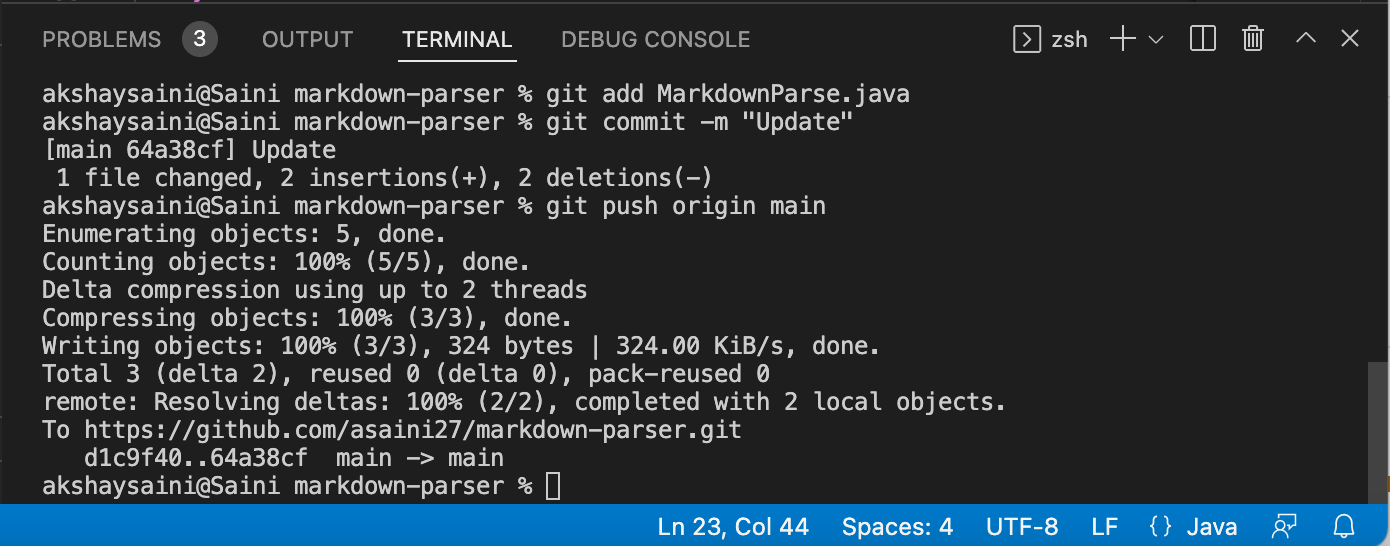
LINK TO THE UPDATE MADE USING GIT COMMANDS ON TERMINAL
PART 3: Copy whole directories with scp -r
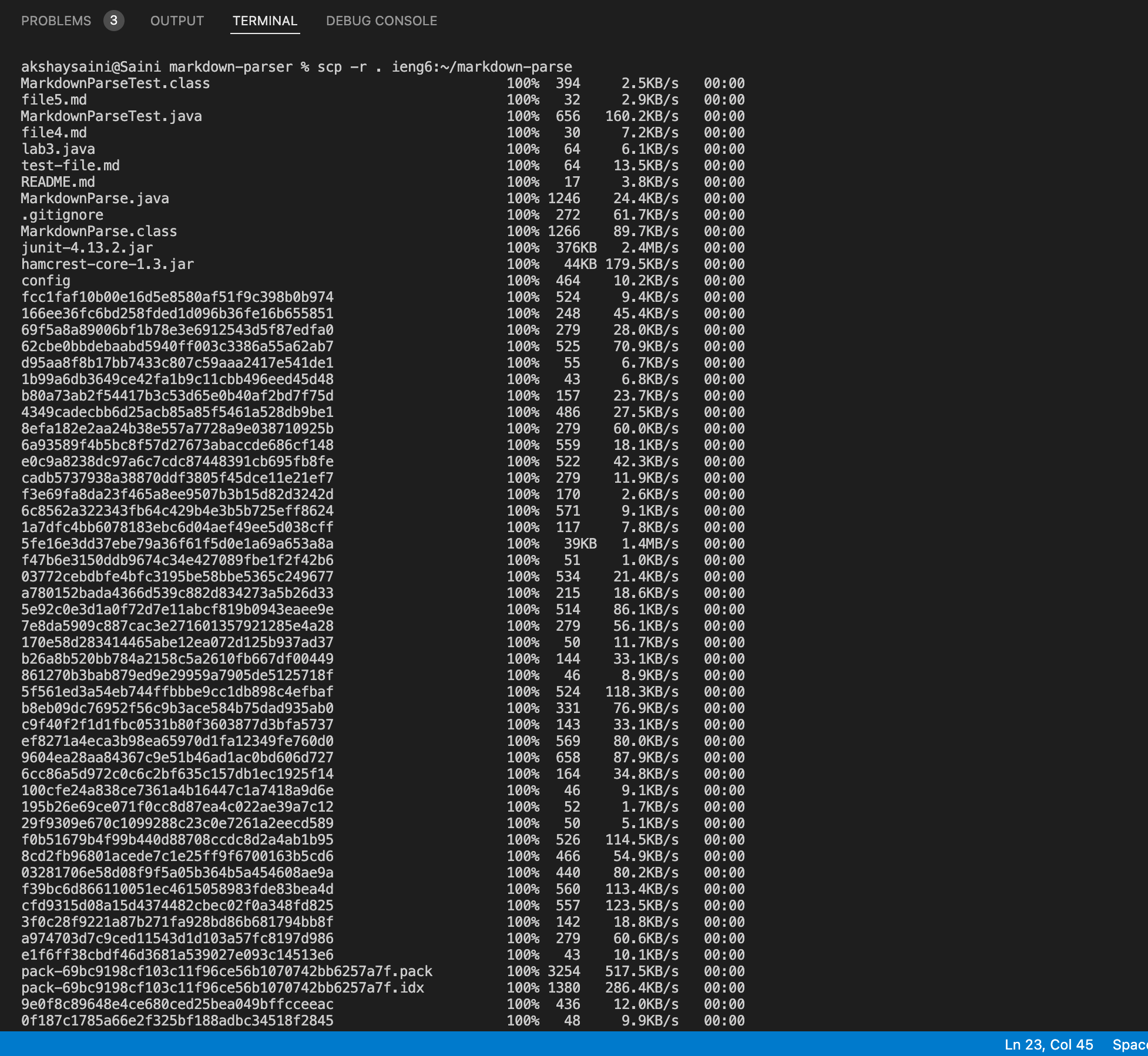
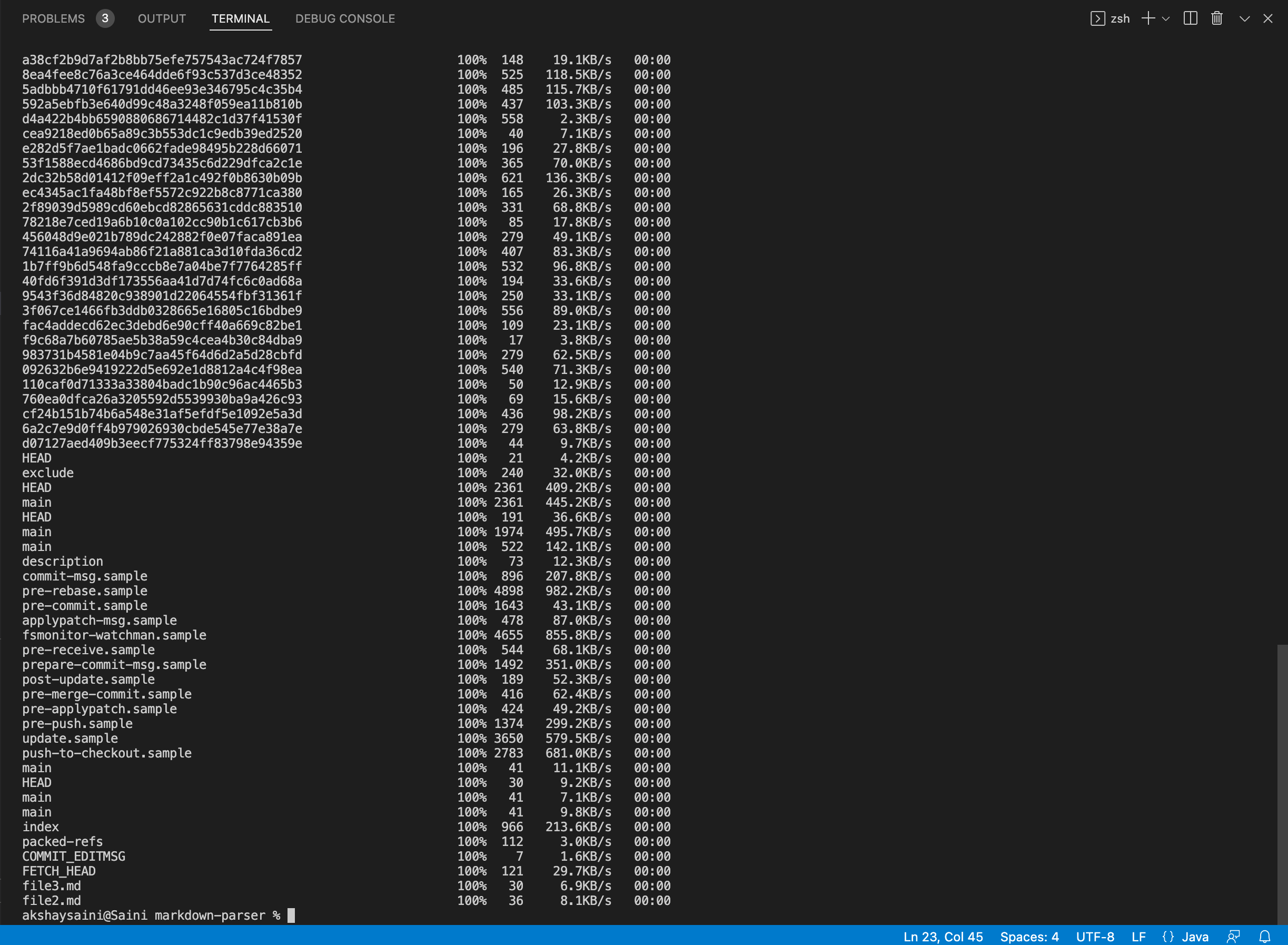
Copying the markdown-parser directory to ieng6:
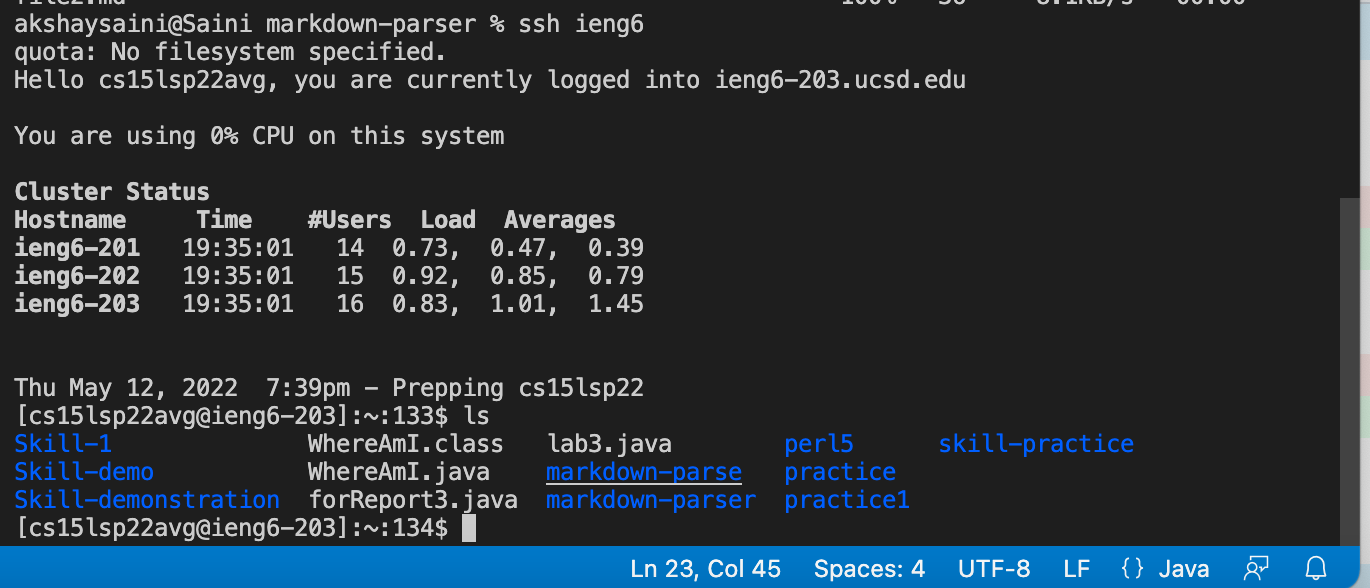
Now while being logged in ieng6, compiling and running my tests:
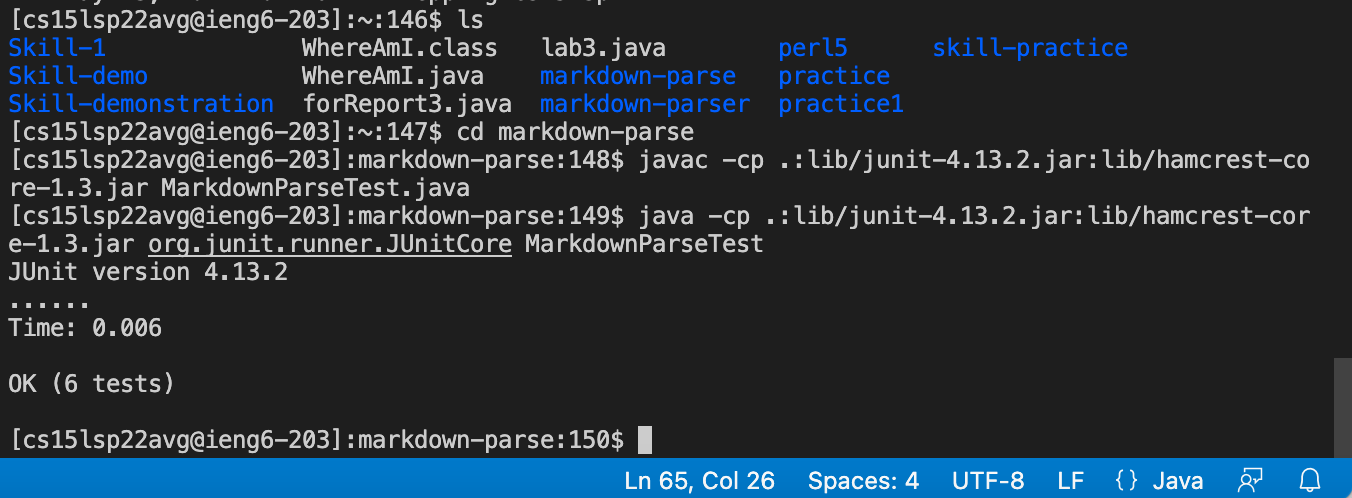
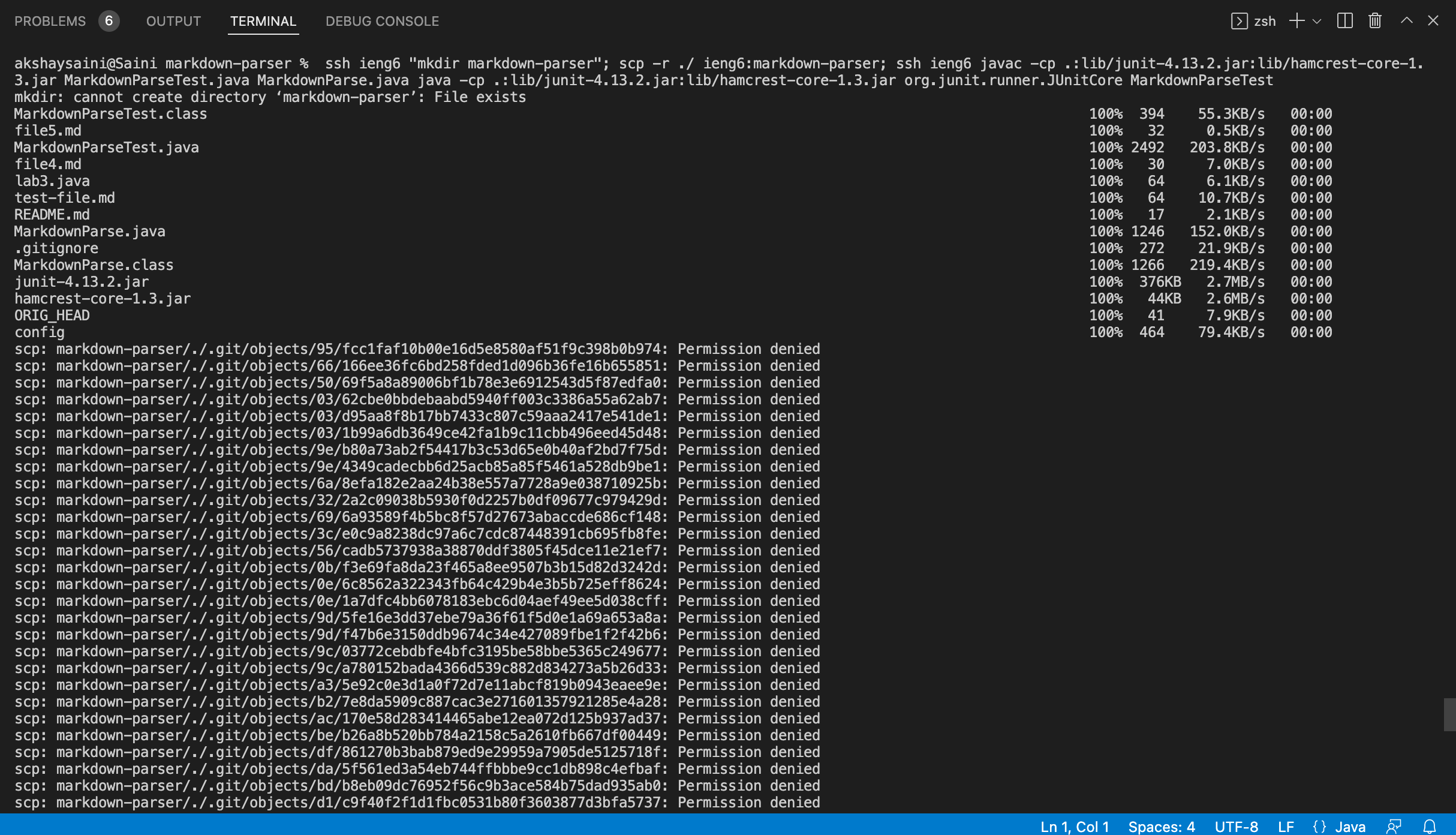
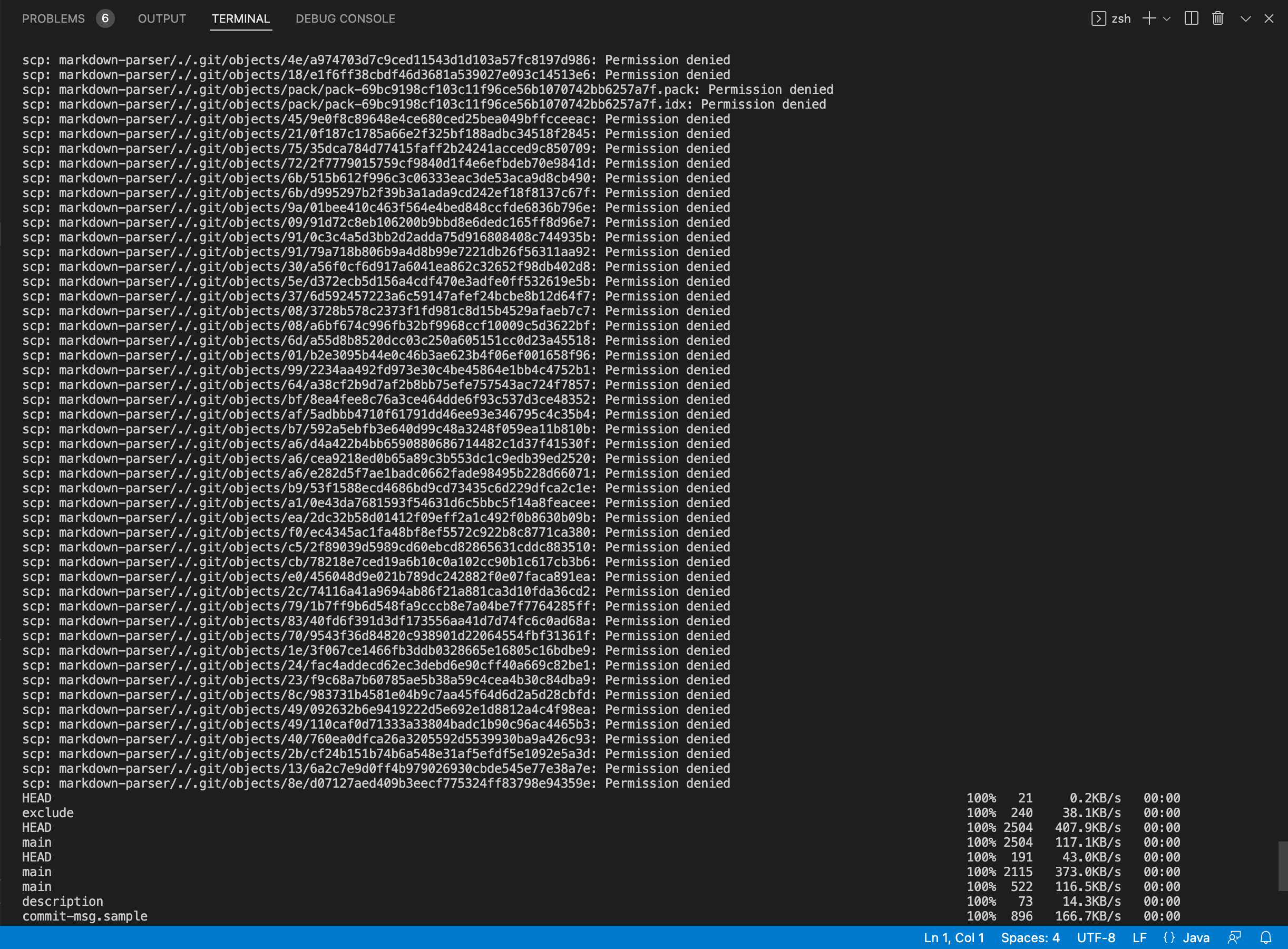
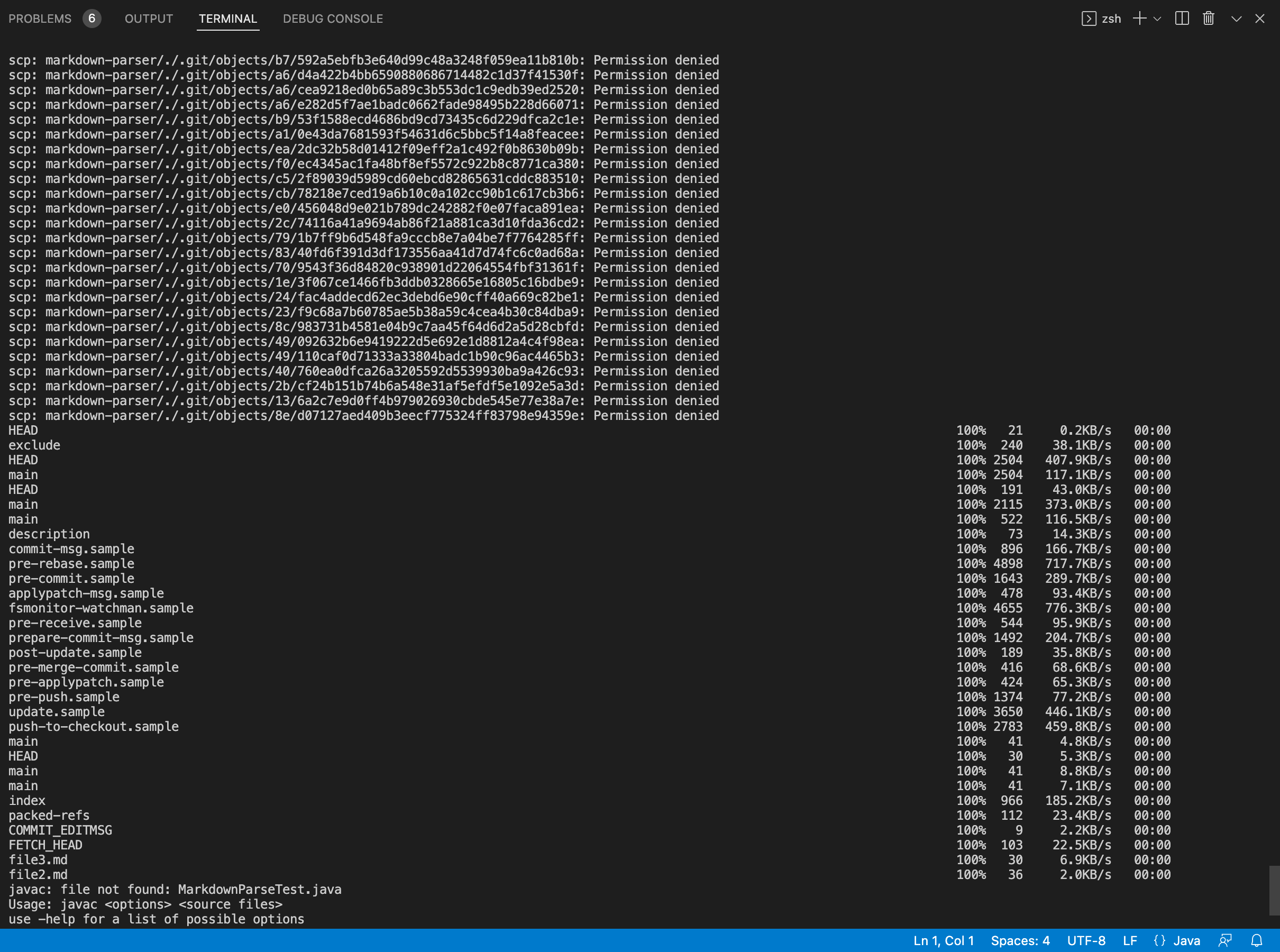
Now combining scp, ;, and ssh to copy the whole directory and run the tests in one line, I get this: